What's new in Kriya 0.5.5: mobile ads and Unity Ads mediation
A new Ads scripting API brings banners, interstitials, and rewarded ads to Android and iOS, with native Unity Ads adapters packaged through AdMob mediation.
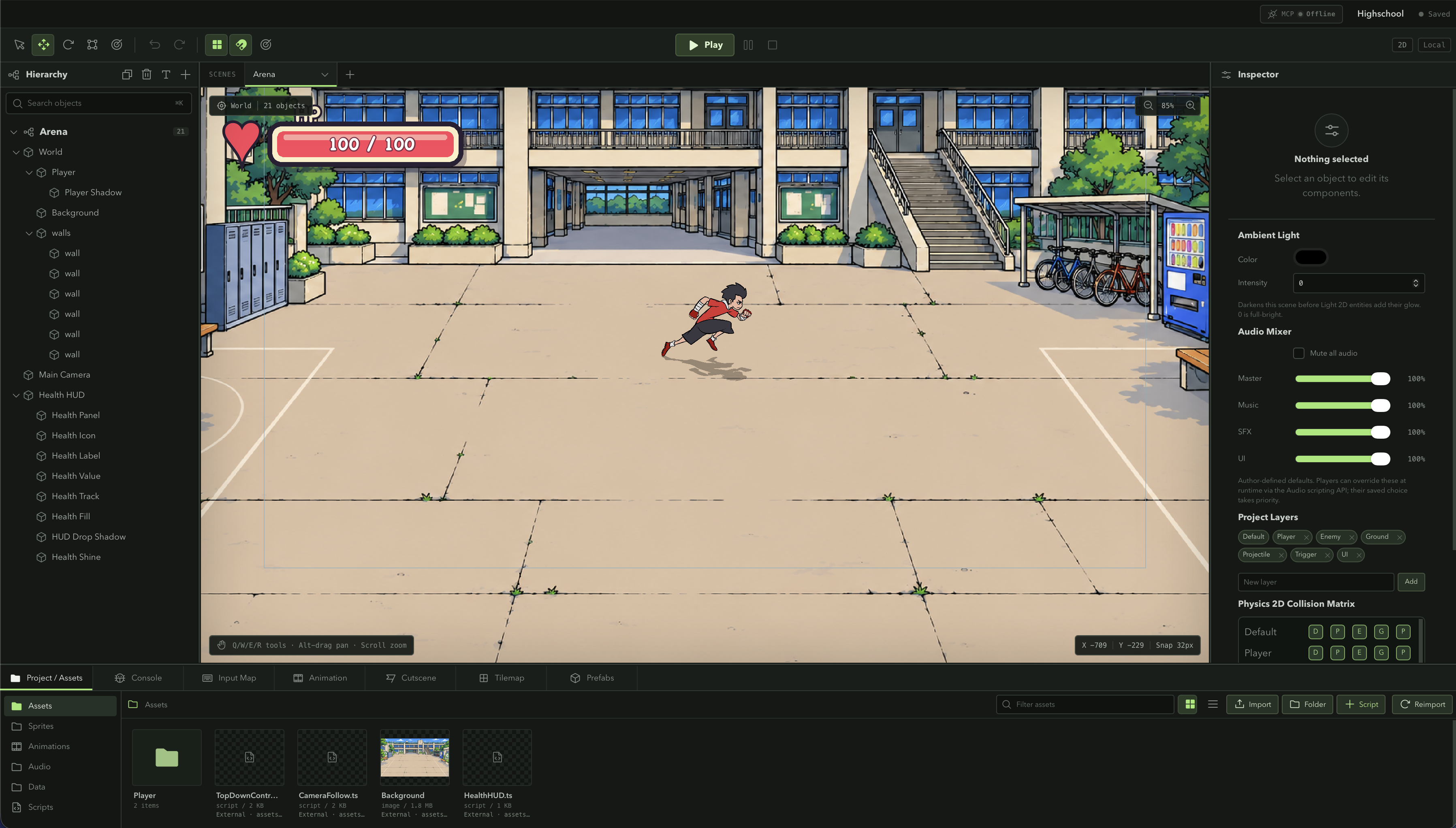
Kriya 0.5.5 adds mobile advertising to the export pipeline. Android and iOS games can now display banners, preload interstitials, and offer rewarded ads through a single Ads scripting API. Build Project handles the native SDK configuration, including an optional Unity Ads mediation adapter.
The work is split between two places: your game decides when to request an ad and what to do with a reward; your AdMob dashboard configures which networks can fill that request.
One Ads API in your scripts
Import Ads from @engine/runtime, initialize it, and then request the format your game needs. Initialization defaults to test mode and returns whether consent allows ad requests.
import { Ads, Debug } from "@engine/runtime";

async function loadTestBanner(): Promise<void> {
  if (!Ads.available) return;

  try {
    if (!await Ads.initialize({ testMode: true })) return;
    await Ads.showBanner(
      "ca-app-pub-3940256099942544/6300978111",
      "bottom",
    );
  } catch (error) {
    Debug.log("Banner unavailable: " + String(error));
  }
}
This example uses a Google Android test banner unit. Native ads run in Android and iOS exports; Ads.available lets scripts handle the editor and web builds gracefully. An adaptive banner appears as a native overlay, so leave room for it in your game UI. Call Ads.removeBanner() when that placement is no longer needed.
The public name is Ads throughout the runtime, scripting reference, and MCP API search. If you used the earlier AdMob scripting API, update the import and calls to Ads: the old public alias has been removed.
Rewarded ads give the game a result
Rewarded ads have separate preparation and presentation calls. Preload with Ads.prepareRewarded(adUnitId), then call Ads.showRewarded() when the player chooses to watch. Its result contains the SDK’s reward amount and type.
async function watchForReward(): Promise<void> {
  try {
    // Initialize Ads and prepare the rewarded ad before enabling this action.
    const reward = await Ads.showRewarded();
    Debug.log(`Reward earned: ${reward.amount} ${reward.type}`);
  } catch (error) {
    Debug.log("Rewarded ad unavailable: " + String(error));
  }
}
Use the confirmed reward result to update your game’s currency or inventory and show a confirmation. Kriya does not invent a wallet, choose the reward, or automatically pause gameplay. Those decisions stay in your scripts. A reward popup is game UI that you control, including its text, placement, and how long it stays visible.
Interstitials follow the same preparation pattern: Ads.prepareInterstitial(adUnitId) loads ahead of time, and Ads.showInterstitial() presents at a suitable break in play.
App IDs go in Build Project; ad unit IDs go in code
The mobile build settings now include an Ads section. Enter the platform’s AdMob App ID there, and Kriya includes the native AdMob plugin and writes the application identifier into the generated Android or iOS project.
Two similar-looking identifiers serve different purposes:
| Identifier | Format | Where it belongs |
|---|---|---|
| AdMob App ID | ca-app-pub-…~… | Build Project’s Android or iOS App ID field |
| AdMob Ad Unit ID | ca-app-pub-…/… | Banner, interstitial, or rewarded preparation calls |
The build validates the App ID format to catch an ad unit accidentally pasted into that field. Each ad unit must also match the platform and ad format you intend to request.
Unity Ads joins through mediation
Enable Unity Ads mediation in Build Project to include the native Unity SDK and adapter in your next mobile export. Game scripts keep using Ads and AdMob ad unit IDs.
AdMob handles the mediation request. Configure Unity Ads as a bidding source in the AdMob dashboard and map the Unity Game ID and placement there. That mapping lets AdMob request an ad from Unity when the mediation configuration selects it. The build checkbox installs the native integration; dashboard setup is still required.
Android and iOS adapter versions are pinned to versions compatible with the Google Mobile Ads SDK used by Kriya’s plugin. The iOS exporter also merges a bundled Unity SKAdNetwork identifier list into the app’s configuration while preserving existing entries. Export again after enabling mediation so the new native dependencies are included.
Testing and consent are part of initialization
testMode: true requests Google demo ads, making it useful for checking a banner placement or rewarded flow. Testing your own Unity mediation setup requires your own AdMob app and ad unit IDs, testMode: false, an AdMob test device configuration, and Unity test mode in its dashboard. A successful Google demo ad does not verify that Unity is filling requests.
Initialization refreshes consent information and displays a required consent form before allowing requests. Ads.showPrivacyOptions() opens the player’s privacy choices; initialize again afterward before requesting more ads.
For Unity mediation, Ads.initialize({ unityPrivacy: ... }) and Ads.setUnityPrivacy(...) forward player choices to the native Unity SDK. These values must come from your consent flow: permission to request an ad is not itself a blanket consent value for Unity. iOS tracking permission is not automatically requested by this API.
Available to MCP workflows too
The generated scripting reference exposes Ads, including its initialization options and reward methods. MCP clients can search that reference, write and compile game scripts, and configure the project’s adMob settings, including unityAdsMediation, before exporting.
The implementation was checked with the project’s 491-test suite, an Android debug APK build containing both plugins, and an iOS simulator compilation. Those checks cover the code and native packaging. Verify ad delivery for your own account, placements, and mediation group on a device before releasing your game.